Three apps. Something new to discover.
Apps to Try on iPhone Duo: Learn, Practise and Play
Looking for apps to try on iPhone Duo? Start learning Japanese, explore English letter sounds with your child, or step into a playful monster classroom. These three apps have been updated for Duo.
We’re Geared Kids, and we develop all three apps featured here.
Start with Japanese ↓
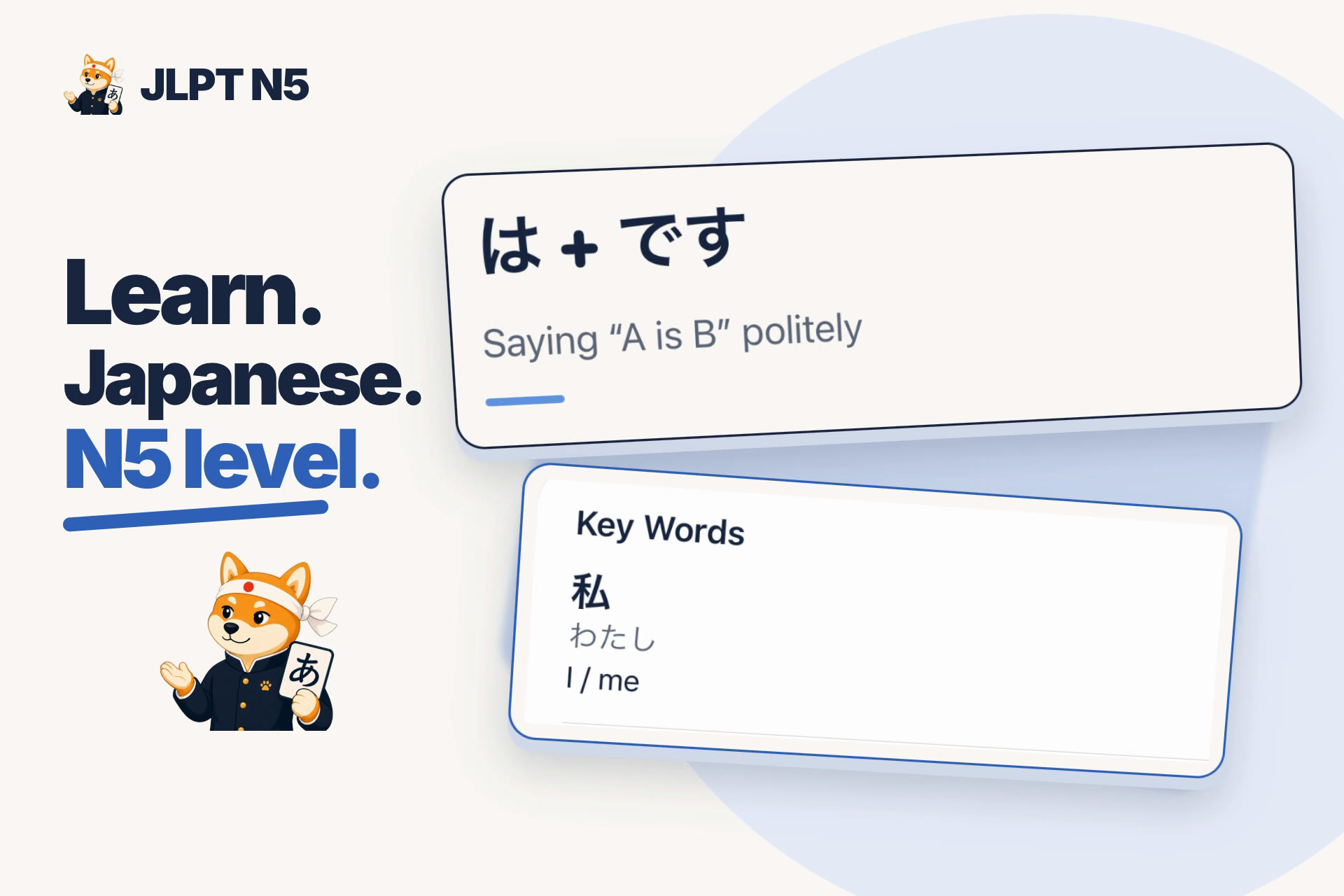
01 · JLPT N5 Step by Step
Make a little room for Japanese.
JLPT N5 Step by Step is for beginners building their Japanese foundations. Work through vocabulary, grammar and reading with clear lessons, short practice and explanations that help you understand each answer. N5 is the beginner level of the Japanese-Language Proficiency Test.
Updated for iPhone Duo, the app’s layout makes use of the screen space available for lessons and practice. Open Duo for a larger view while you study.
- Learn a concept with explanations and examples.
- Try short questions, then understand why an answer works.
- Revisit mistakes and use flashcards to review what you have learned.
Try a short session: choose a lesson, answer a few questions, then review something you found tricky. Come back to it in your next study session.
Starting Japanese? Read our JLPT N5 study guide →
Explore JLPT N5 Step by Step →
Check the App Store for current compatibility, pricing and purchase details.
A couple of adventures for little learners.
Sharing your Duo with a child? Our two kids’ apps offer different ways to play and practise. Both have redesigned layouts for folded and unfolded use, with more space to play on the larger display.
Sounds and first words
Phonics for Kids
For beginners and early readers exploring English.
On iPhone Duo: the redesigned layout fits the folded and unfolded screens, with a larger play area for letters and first words when Duo is open.
Take a closer look at Phonics for Kids →
Colours, shapes and counting
Halloween Monster Preschool
For toddlers and preschoolers aged 2–5.
On iPhone Duo: the classroom layout adapts as you fold and unfold, making use of the larger display to give matching and sorting activities more room.
Explore Halloween Monster Preschool →App in English.